
Organize your team’s thoughts. Build your shared knowledge base.
Trilium Teams brings structured notes, connected knowledge and desktop-first collaboration into one flexible workspace. Keep your team’s research, decisions and operating context organized without losing control of your data.
Download for desktopDesktop app recommended Windows & Mac downloads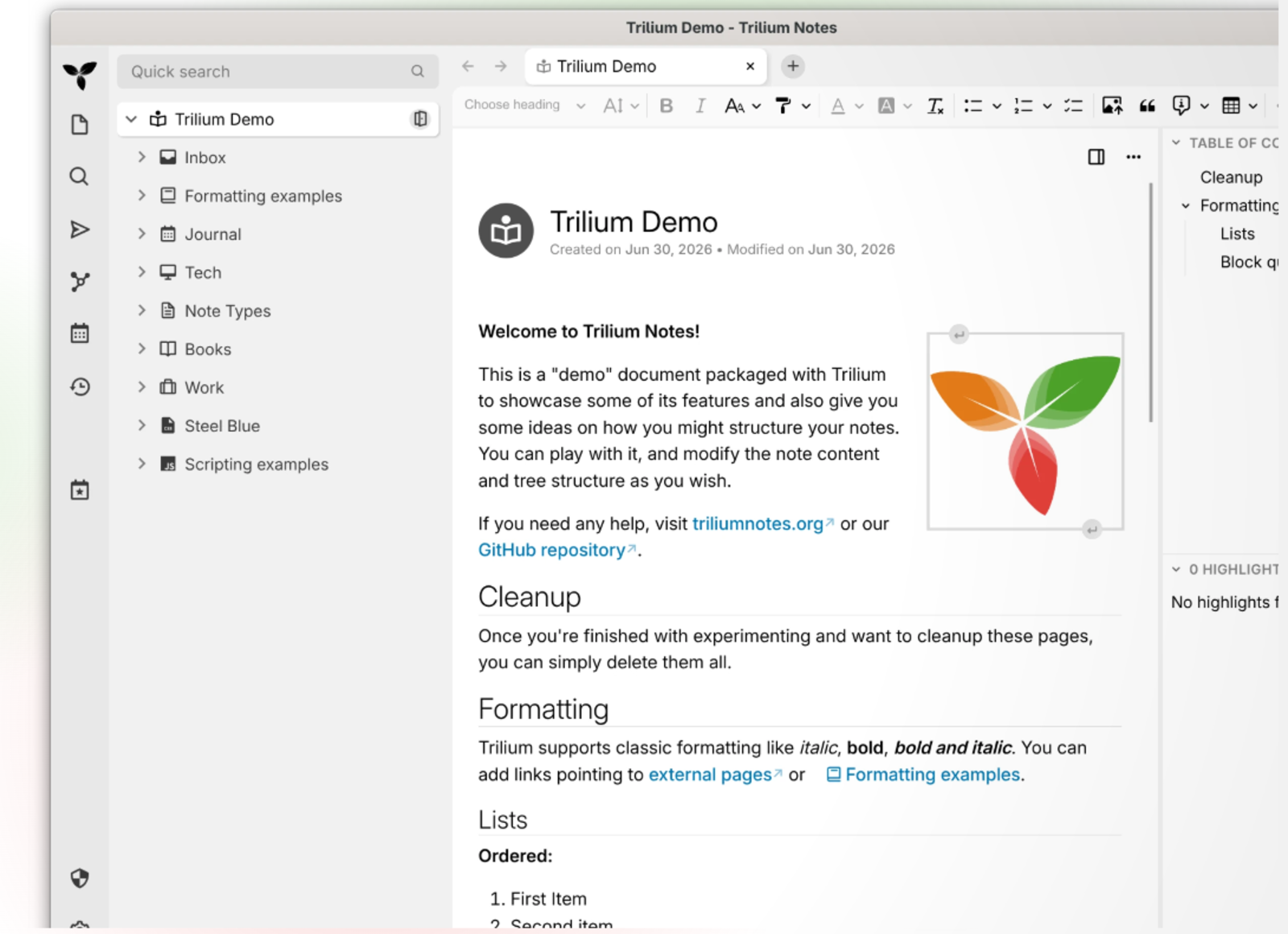










Structure your notes, your way
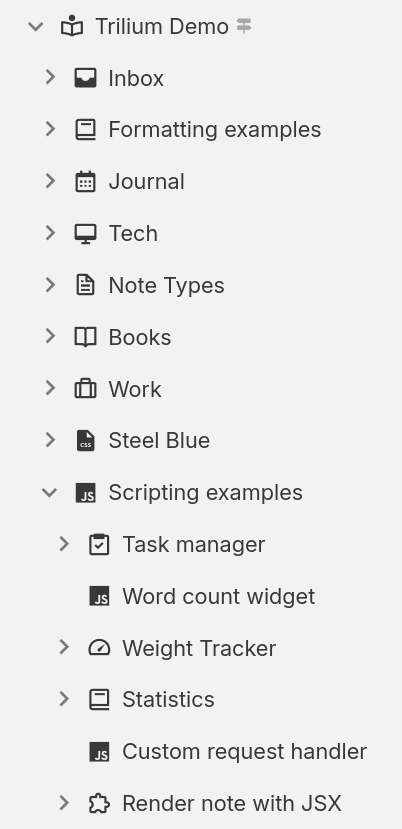
Build a hierarchy that fits the way you think, connect related information, and focus on the part of the tree that matters for the task at hand.
Flexible note structure
Nest notes as deeply as you need and place the same note in more than one branch when it belongs in multiple contexts.
Labels and relations
Add metadata and relationships so information can be grouped, filtered and presented in more structured views.
Workspaces and focus
Separate different areas of work and quickly narrow the visible tree to a selected workspace.
Everyday power features
A practical set of tools for capturing, finding, protecting and sharing knowledge without forcing your workflow into a rigid structure.
Synchronization
Connect desktop clients to a server and keep notes synchronized across the devices you use.
Search & quick navigation
Jump by title or search the full knowledge base to find information quickly.
Note revisions
Keep background revisions so earlier content can be reviewed or restored when needed.
Protected notes
Lock sensitive notes behind an encrypted, password-protected session.
Templates
Reuse predefined structures, attributes and starter content for recurring note types.
Quick capture
Capture external content and screenshots directly into your knowledge base when you need them.
Read-only publishing
Publish selected note trees as read-only pages when information needs to be shared outside the workspace.
Secure sign-in
Protect server access with modern authentication options including MFA and identity-provider login.
REST API
Integrate notes with automation and external tools through a programmable HTTP interface.
A note type for every kind of content
Use rich text for writing, code-focused notes for technical work, visual canvases for planning, spreadsheets for structured data and more.
Text notes
Write with a visual editor that supports tables, images, math, code blocks and fast keyboard-friendly formatting.

Your notes are never locked in
Move information into the workspace, take it back out in common formats, or prepare it for sharing and printing.
Import
Bring existing material and hierarchies into Trilium from other tools or common note formats.
Export
Export a note or larger parts of the tree whenever you need a portable copy.
- Markdown
- HTML
- OPML
Print to PDF
Turn notes into a clean document for review, printing or distribution.
- Single note
- Whole subtree
- Print-ready output
See your notes from every angle
Use purpose-built views over the same underlying notes, then switch layouts as your project changes.
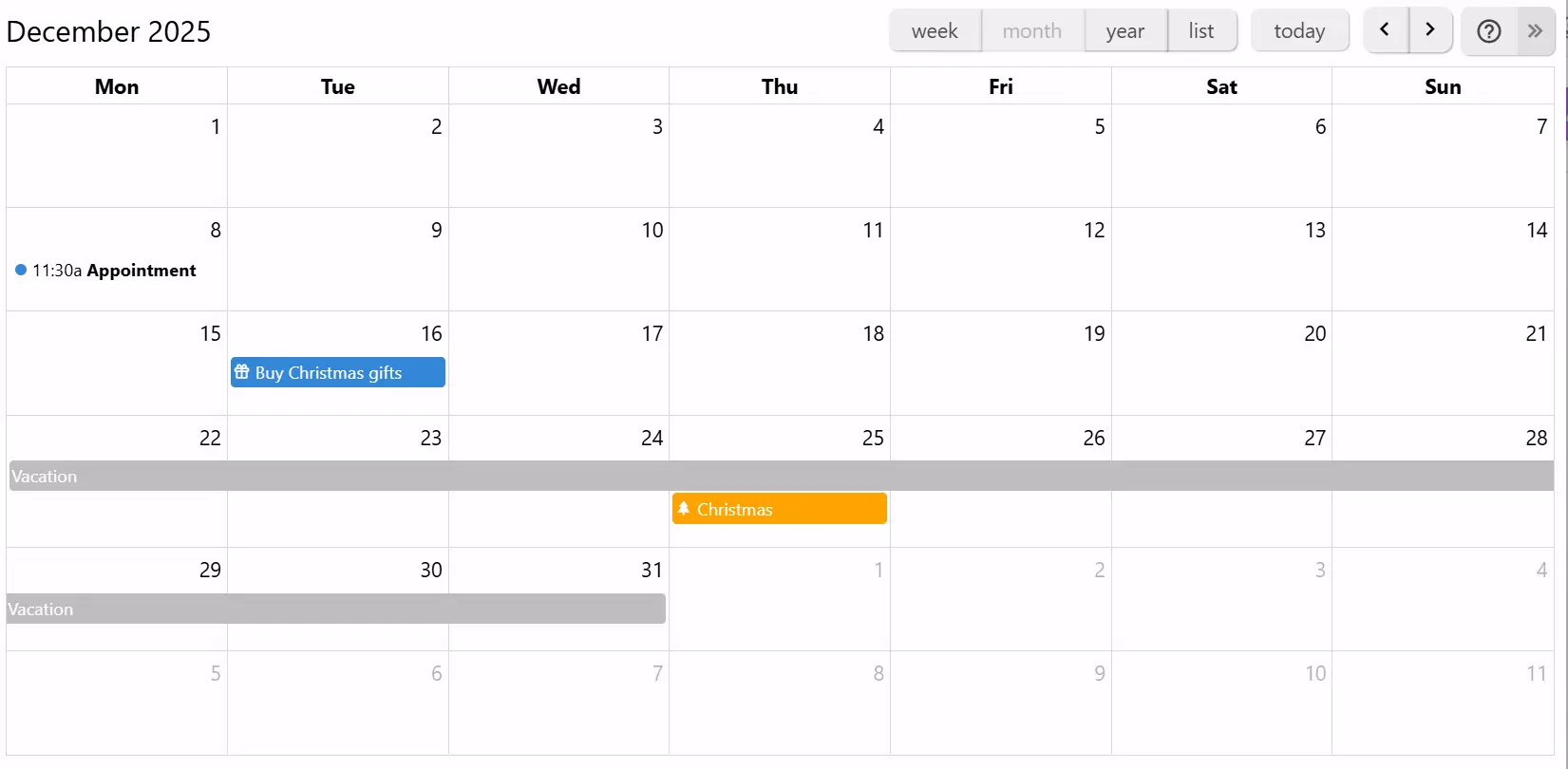
Calendar
Arrange events across day, week, month and year views and move items directly on the calendar.
If you can imagine it, you can script it
Extend the application with JavaScript, automate repeated work and build custom interfaces around the information in your notes.
Custom widgets
Add buttons, panels and launchers to the interface.
Backend scripts & events
Run server-side automation on schedules or application events.
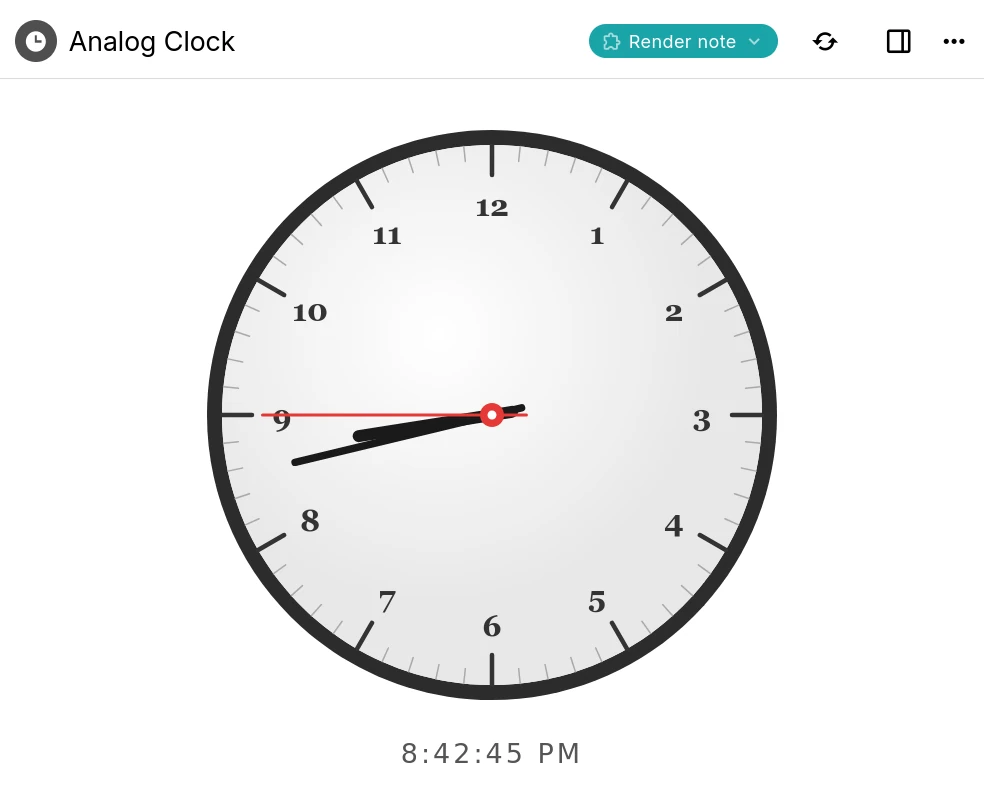
Render notes
Create interactive dashboards and mini-apps directly inside notes.
Script API
Work programmatically with notes, branches, attributes and search.
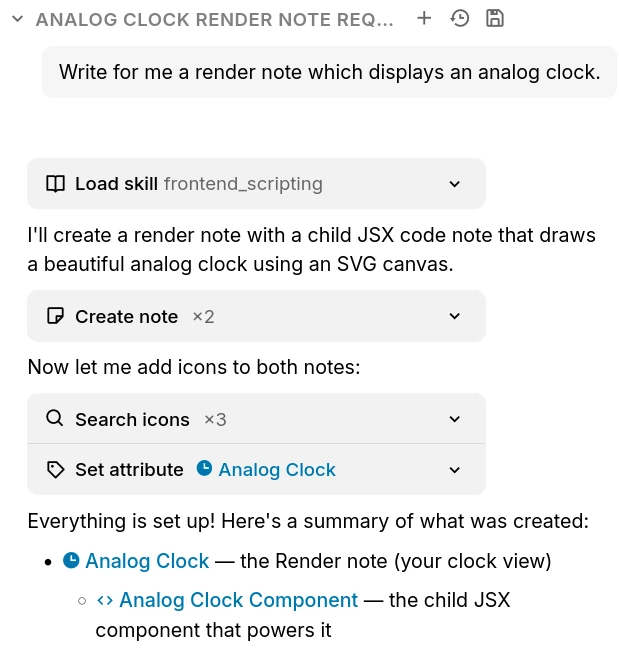
AI on your terms
AI features stay optional. Connect a provider only when you want to use them, while keeping control over which service receives note context.
Chat with your notes
Ask questions and explore ideas using context drawn from your own knowledge base.
AI that works with notes
Allow an assistant to search, create or update notes through built-in tools.
Your provider, your keys
Connect a supported cloud provider or point the app at a compatible self-hosted model.
Frequently Asked Questions
Is Trilium free?
Yes. The project is open source under the AGPL-3.0 license and can be self-hosted and modified under the terms of that license.
Can I use Trilium Teams on mobile?
Trilium Teams is currently desktop-first. For the most stable experience, use the Windows or macOS desktop application.
Do I need a server?
No. You can start with the desktop application. A server is optional when you need synchronization or additional team infrastructure.
Where is the data stored?
Notes are stored in an SQLite database inside the application data directory rather than as a directory of plain-text files.
Can it handle a large knowledge base?
The application is designed to scale to large note collections, although storing very large binary files is better handled by a dedicated file-storage service.
Can I place the database on a network drive?
Sharing a live SQLite database through a network drive is not recommended because file locking can be unreliable and may damage the database.
How is sensitive data protected?
Regular notes are readable in the local database. Notes explicitly marked for protection are encrypted before being stored.
Can multiple people edit the same notes?
This package is a Teams-oriented website shell. Collaboration behavior depends on the Teams build you distribute, so update this answer to match the capabilities of your release.
Bring your team knowledge into one workspace
Use the desktop application for the most stable Trilium Teams experience.
Download for desktop